What AI Difficulty Should You Use in F1 26?
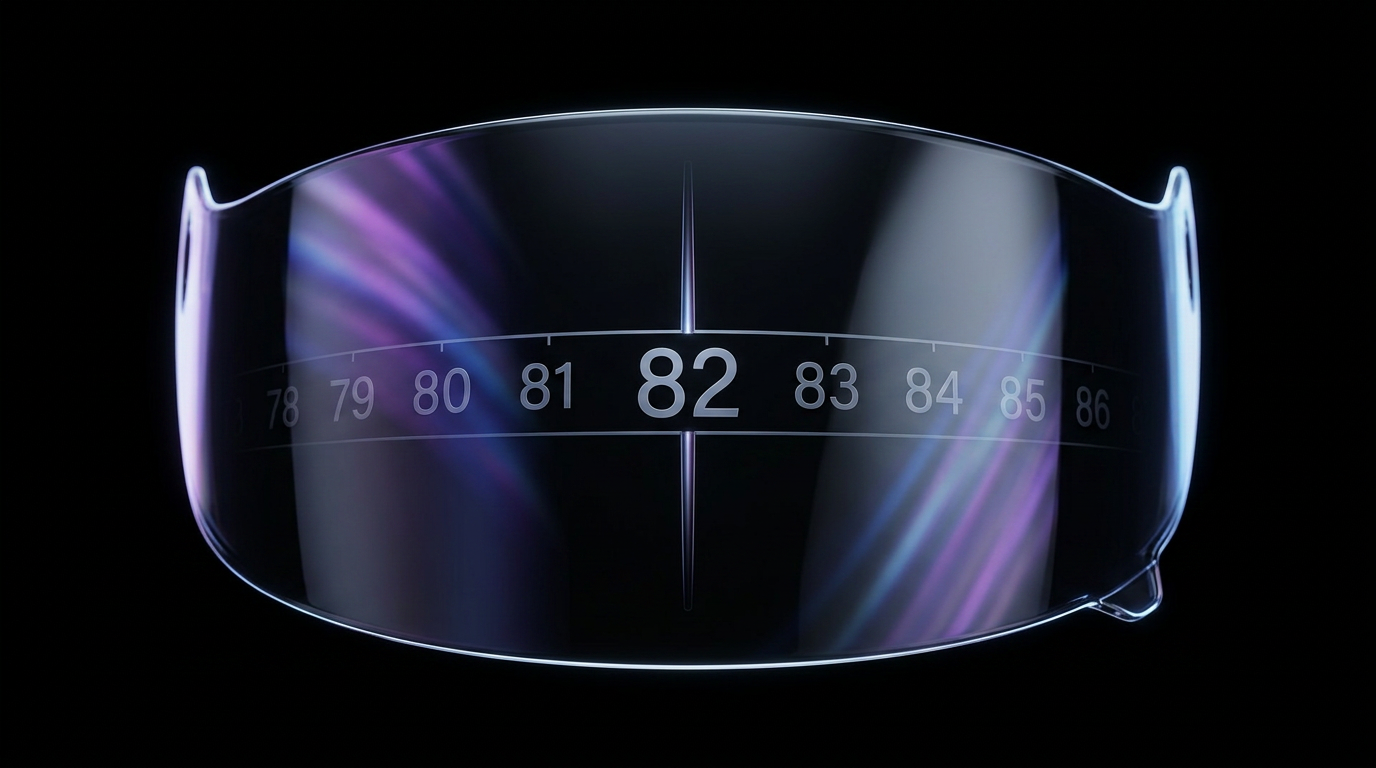
The median F1 26 player races at AI difficulty 82. That number comes from 12,910 F1 26 race sessions recorded on F1Laps, and it's the closest thing to a "normal" setting that exists. But it's a starting point, not your answer. The spread around it is enormous: a quarter of those sessions are at 65 or below, a quarter at 99 or above, and 17% above 100.
Your own number depends on your pace, your assists, and the track. The fastest way to find it is to set a lap in Time Trial with Equal Performance turned on, then enter that lap time into the F1 26 AI Difficulty Calculator. It compares your lap against AI qualifying pace we recorded at every difficulty level from 0 to 110 on that circuit, and returns the level whose pace matches yours. It's free, and it doesn't need an account.
The rest of this guide covers what the number means, how much one point is worth, whether you should change it per track, and why the AI in F1 26 feels faster than it did in F1 25.
What AI difficulty should you use in F1 26?
A good AI difficulty in F1 26 is the one where you qualify roughly where your car belongs and have to actually defend your position. For most players that lands between 65 and 99, with 82 as the midpoint.
Here's what F1 26 players actually run, across 12,910 sessions:
| Percentile | Difficulty | What it means |
|---|---|---|
| 10th | 41 | Learning the game or the track |
| 25th | 65 | Comfortable, still building pace |
| 50th (median) | 82 | The typical F1 26 racer |
| 75th | 99 | Quick, racing near the top of the slider |
| 90th | 105 | Very fast |
17% of players race above 100, and 5% sit at the 110 ceiling. That last group has effectively run out of difficulty: the AI can't be made faster, so their only remaining challenge is the clock.
If you're new to the game, start around 60 and work up. If you came from F1 25, expect to sit slightly lower than you did there, at least at first.
Why 90 and 100 are usually the wrong answer
Most players don't pick a difficulty that fits them. They round to whatever number sounds right. In our F1 26 data, 37.3% of sessions use a difficulty that's an exact multiple of 10. If people were picking freely, that figure would be about 10%. Multiples of 5 account for 62.1% of sessions against a baseline of 20%.
The four most common settings in F1 26 are 90, 100, 80 and 70, in that order.
This matters because the odds that a round number happens to be your correct pace are low. Someone racing at 90 because it sounds right is more often a 93 or an 86 driver who never tested it. That's several tenths a lap. Over a race distance, that's often enough to decide it by lap five instead of the finish.
The slider has 111 positions. Use the ones between the round numbers.
How much is one difficulty point actually worth?
One AI difficulty point is worth roughly 0.12% of lap time. At a 90-second circuit that's about a tenth of a second per lap. At Spa it's closer to 0.13s, at Monaco closer to 0.09s.
We derived that from the AI pace curves behind the calculator, which store a lap time for every difficulty level on every track.
Two practical consequences:
- Small moves are worth making. Moving from 88 to 90 is about two tenths a lap. Over a 20-lap race that's four seconds, which is a pit stop's worth of gap.
- Jumping by 10 is a big move. Ten points is roughly a second a lap. If you're being beaten narrowly, don't jump from 90 to 100. Go to 92.
Most players adjust in fives and tens because the round numbers are what they anchor to. The AI pace doesn't work in fives.
Do you need a different AI difficulty at every track?
Yes, but less than you'd think. The honest answer is about 4 to 5 points between the hardest and easiest circuits, not the 10 that raw averages suggest.
This is worth explaining, because it's easy to get wrong and we publish both numbers.
Our average AI difficulty by track page shows the community running 83 at Spa and 73 at Las Vegas, a 10-point spread. But that compares different players at different tracks. Fast players race some circuits more than slow ones, so part of that gap is who showed up, not how hard the track is.
When we measure the same players across tracks and compare each session against that player's own average, the systematic track effect shrinks to 4.6 points:
| Track | Difference vs the same player's own average |
|---|---|
| Hungary | +2.0 |
| Bahrain | +1.5 |
| Saudi Arabia | +1.4 |
| China | +1.2 |
| Qatar | −2.0 |
| Monza | −2.2 |
| Azerbaijan | −2.6 |
| Las Vegas | −2.6 |
Read that as where players need more or less AI pace. They dial it up at Hungary and down at Las Vegas, which means that relative to your own pace the AI are at their weakest at Hungary and their strongest at Las Vegas and Baku. Either way the true swing is around four points, not ten. Set one number as your baseline and adjust two or three points at the extremes.
Individual variation is larger than the track effect. Among players who raced five or more F1 26 circuits, the median gap between their highest and lowest setting was 11 points, and 18% never changed it at all. Some of that is genuine track preference. A lot of it is people getting faster mid-season and adjusting.
How to find your F1 26 AI difficulty in under a minute
- Load Time Trial and select your track.
- Turn on Equal Performance so your car isn't faster or slower than the reference.
- Set a clean lap you could repeat. Not your one perfect lap, one you can do again.
- Open the AI difficulty calculator for your track and enter the lap time.
- Race that difficulty for a full weekend before judging it.
Step 3 is where most people go wrong. If you calibrate on a lap you hit once in forty attempts, you'll be racing a difficulty you can't sustain, and every race will feel like the AI got an upgrade.
Step 5 matters too. One qualifying session isn't enough signal. Fuel load, tyre compound and track evolution all move your pace more than a couple of difficulty points do.
Why we ask for a Time Trial lap
We ask for a Time Trial lap because it removes your car from the equation. In career or My Team your pace is partly your car's development, so a qualifying lap would smuggle car performance into what's meant to be a measure of your driving.
That creates a known offset. Here's how we correct for it. The reference curves are built from AI qualifying laps, but you submit a Time Trial lap. Those two modes aren't identical: Time Trial gives unlimited ERS and equal cars, qualifying is energy-limited with real car performance.
We measured the gap rather than guessing at it. Across 4,637 player-and-track pairs on F1 25, the median player's Time Trial lap was 0.65% slower than their own qualifying lap. Track familiarity and setup work on a race weekend outweigh what unlimited ERS gives you in Time Trial. So the calculator applies a 1.007 correction, which is that measured ratio.
We also tried calibrating against race results and threw it out. Across 10,000 F1 25 races, the win rate at the recommended difficulty was only 33%, and the 50% crossing point sat about 10 steps lower. Race outcomes carry too much noise from retirements, incidents and the fact that people choose their own difficulty. Qualifying pace is the cleaner signal, so that's what we use.
That's also why the number is built the way it is. We didn't average what other players picked. We drove every one of the 111 difficulty levels at every circuit and recorded the AI's qualifying pace, then took the median at each level and smoothed the curve.
Why the F1 26 AI feels too fast
The F1 26 AI genuinely behave differently to F1 25, mostly because of how they use energy. F1 26 is the 2026 Season Pack, and the AI's ERS deployment was changed along with the new car regulations.
The most common complaint on the EA forums is straight-line speed. Players report the AI pulling away on straights even while managing their own battery, sometimes with the AI's energy-saving indicator visible (EA Forums). Madrid draws its own thread, with players finding the AI disproportionately quick there (EA Forums). Wet running is a long-running complaint carried over from F1 25, where AI pace in the rain is widely reported as too strong (EA Forums).
If that's happening to you, separate two things. If the AI beat you everywhere by a similar margin, your difficulty is too high and you should drop it a few points. If they only beat you on the straights while you gain in the corners, that's an energy deployment difference, and the fix is your own ERS use and your car setup, not the slider.
When to move your number up
Move your difficulty up when you're qualifying on pole and winning without pressure, two or three weekends running. One good race isn't a trend.
Go up by 2 or 3, not 10. Remember that's already a couple of tenths a lap.
Recalibrate after you change anything that affects your pace: controller or assist settings, a switch to a wheel, or dropping traction control. Those change your lap time more than most difficulty adjustments do, and the old number stops being right.
If you want to see exactly where the time is going instead of guessing, telemetry analysis compares your lap against a faster one corner by corner.
FAQ
What is a good AI difficulty for F1 26?
For most players, between 65 and 99. The median F1 26 player on F1Laps races at 82. Beginners generally start around 60, and 17% of players race above 100.
Do I need to change AI difficulty at every track?
Not for every track. The systematic difference between the hardest and easiest circuits is about 4 to 5 points when you measure the same players across tracks. Use one baseline, then go up a couple of points at Hungary and Bahrain and down a couple at Las Vegas, Baku and Monza.
How much faster is the AI per difficulty point?
Roughly 0.12% of lap time per point, or about a tenth of a second at a 90-second circuit. Ten points is about a second a lap.
Is the AI harder in F1 26 than F1 25?
The AI behave differently rather than being uniformly harder. ERS deployment changed with the 2026 cars, which is why many players report the AI being strong on straights specifically. Most players find they sit slightly lower in F1 26 than they did in F1 25 at first.
Is the F1 26 AI difficulty calculator free?
Yes. It's free, and you don't need an account. You only need a Time Trial lap time and your track.
Find your number
Set one clean Time Trial lap, run it through the F1 26 calculator, and race that number for a weekend. It takes about a minute and it's more accurate than the round number you'd have guessed.
If you want your lap times, races and difficulty tracked automatically from then on, F1Laps records every session you race across career, online and time trial. Free to start, no card needed.