Track Engine Wear After Every Session
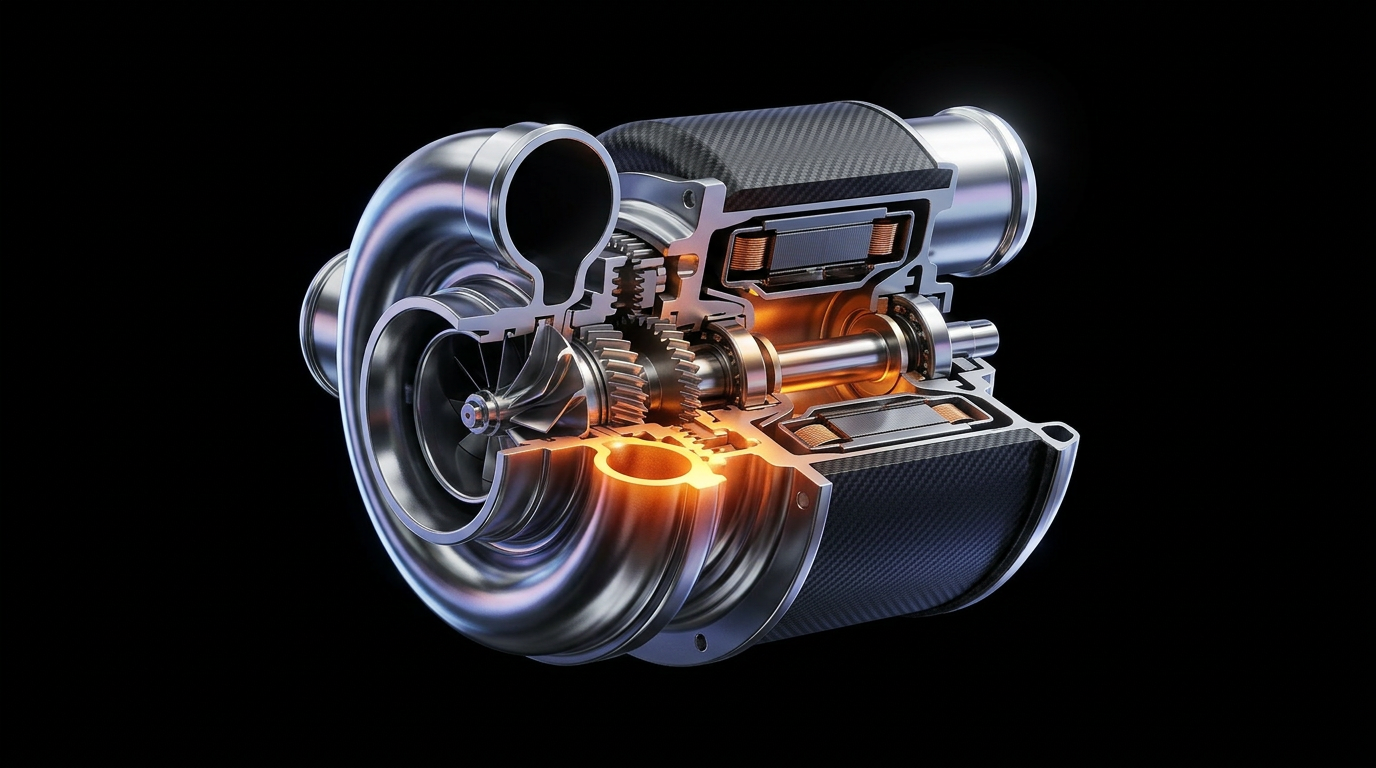
You push your power unit hard for 30 laps, but once the session ends, the game doesn't exactly make it easy to review what took a hit. Which components are close to their limit? Is the gearbox holding up? Should you be worried about your ICE heading into the next race weekend?
F1Laps now shows you all of that. After every session, you'll see a detailed breakdown of wear across all seven engine and gearbox components, right on your session detail page.
What You'll See
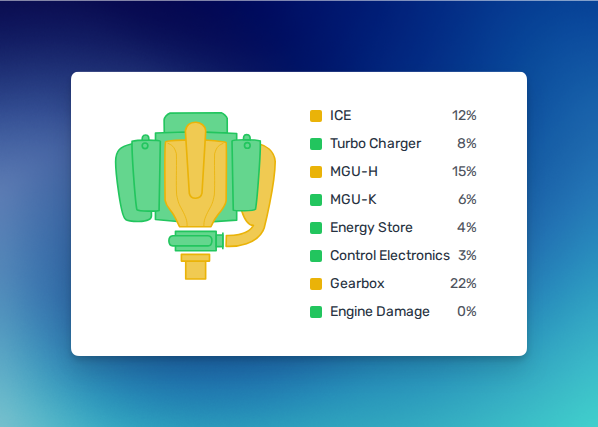
The new engine wear card displays wear percentages for each component of your power unit:
- ICE (Internal Combustion Engine)
- Turbo Charger
- MGU-H (Motor Generator Unit, Heat)
- MGU-K (Motor Generator Unit, Kinetic)
- Energy Store
- Control Electronics
- Gearbox
Each component is color-coded from green (healthy) through yellow and orange to red (critical), so you can spot trouble at a glance. The visualization includes an interactive engine diagram where you can hover over or tap any component to highlight it and see its wear level.
Why This Matters in F1 25
F1 25 mirrors the real sport's component allocation rules. Over a full season, each driver gets just four ICEs, four turbo chargers, four MGU-Hs, four MGU-Ks, two energy stores, and two control electronics units. Go over any of those limits and you take a grid penalty: ten places the first time, five for each additional replacement.
That makes tracking your telemetry across sessions genuinely important, especially in Career Mode and My Team. If your ICE is already sitting at 68% wear after race 8, you know you'll need to plan a strategic engine swap before things get critical. Take the penalty at a street circuit where overtaking is hard anyway, or at a track where you're not fighting for points.
Without data, you're guessing. With it, you're making the same kind of calls real F1 strategists make every weekend.
How to Use It
After any session syncs to F1Laps, head to your session detail page. The engine wear card sits right below your lap history. If your session has engine wear data (available in F1 2021 and later titles), the card appears automatically.
On desktop, hover over a component name in the legend and the corresponding part highlights in the engine diagram. On mobile, tap to select. It's a quick way to isolate individual components and compare how they're doing relative to the rest of your power unit.
Availability
Engine wear tracking is available on all F1Laps subscription plans, including the Premium plan at €2.99/month. If you're on the free tier, you'll see a preview of the feature with a sample screenshot so you know exactly what you're getting before upgrading.
Already subscribed? Your engine wear data is ready and waiting on every session you've recorded.